
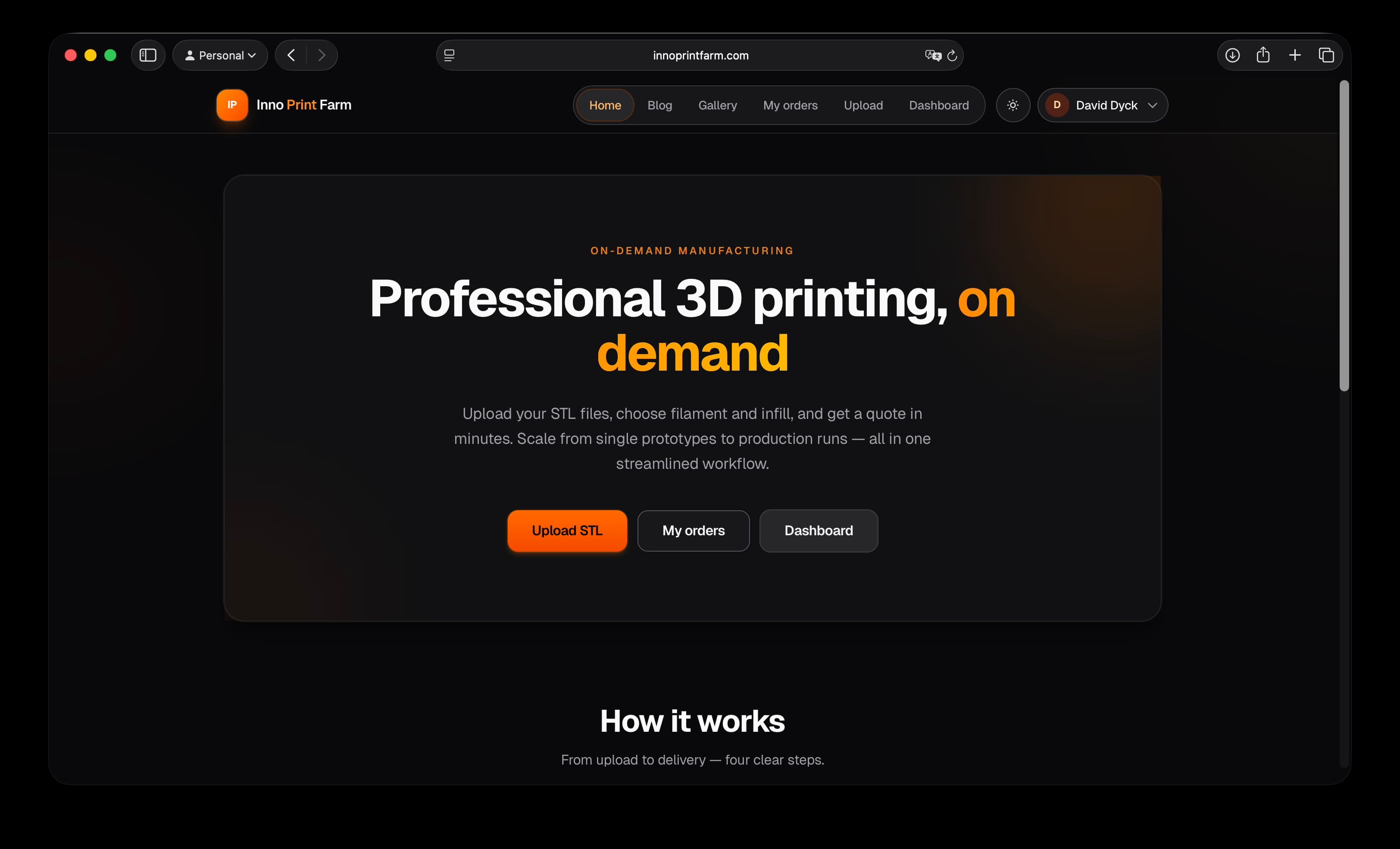
Now that you’ve discovered Inno Print Farm, you’re probably excited to upload your first model. We want your parts to turn out awesome on the first try — so here’s a practical, no-fluff guide to help you get the best possible quality and price from our print farm.
1. Check Your Model Before Uploading
Watertight & Manifold: Make sure your STL is completely closed (no holes or floating faces). Most slicers will warn you if it’s not.
Correct Scale: Double-check your units! We print in millimeters. A model designed in inches can turn out 25.4× bigger than expected.
Wall Thickness: Minimum recommended is 0.8–1.0 mm (about 2–3× your nozzle diameter) for strength. Thinner walls are possible but more fragile.
Overhangs & Supports: Angles steeper than 45–50° usually need supports. Think about how supports will be removed when designing.
2. Optimize for Cost & Speed
Hollow Your Model (if possible): Solid prints use way more material and take longer. Add drain holes if you hollow it.
Orientation Matters: The way you orient the part affects strength, surface quality, and support usage. We’ll suggest the best orientation, but uploading a pre-oriented file helps.
Combine Parts: If you have many small pieces, try combining them into one build if they fit on the print bed — it often saves money.
3. Choose the Right Material (Quick Reference)
PLA → Easiest, cheapest, great detail. Best for display pieces, miniatures, and prototypes.
TPU → Flexible! Great for phone cases, gaskets, drone parts, or cosplay armor.
We’ll add more materials soon (Nylon, Polycarbonate, Resins, etc.), so let us know what you need!
4. File Tips for Best Quality
Export as Binary STL (smaller file size)
Name your files clearly (e.g., Robot_Arm_v2_PLA.stl)
Pro Tips from the Print Farm Team
Add a small text label or version number on the bottom of your part — super useful for prototypes!
For large parts, consider splitting them and adding alignment pins/dowels.
Ready to test it out?
Head to the Upload Page, drop your file, and you’ll get an instant quote. If something doesn’t look right or you’re not sure about material choice, just email us at [innotechdb@gmail.com] — we’re happy to review your file for free before you order.
We can’t wait to print your creations!
What are you working on right now? Drop a comment below, share a photo of your design, or tag us on social media with #InnoPrintFarm. The coolest projects might even get featured in future blog posts.
Happy modeling and happy printing!
—The Inno Print Farm Team